
What have you learnt about technologies from the process of constructing the product?
<
Photoshop
Before the start of term, I was quite familiar with Adobe Photoshop. Now that my media publication has been completed and polished up to usefulness, I have learned a great deal of depth about the creative aspects of this easy-to-use software program. Had it not for this magnificent Adobe program, most of my final magazine would not have been conceived. That is why I used it to produce a relatively coherent piece of work which I enjoy working with. Apart from using it for personal editing and impressive skills, I would utilise Photoshop again to enhance images and create works of art that would look professional to others. I have learned to insert images, manipulate styles of fonts, add drop shadows, organise layers of creation and invoke colour gradients.
Using Photoshop to create my music magazine cover
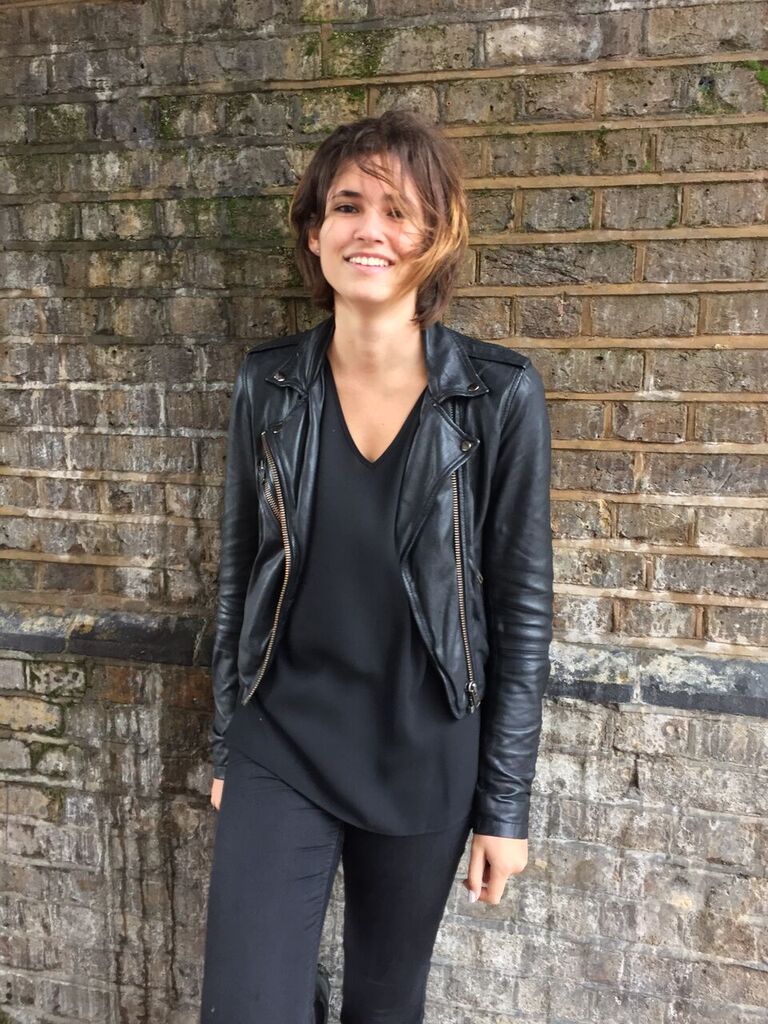
BEFORE THE INITIAL CONVERSION
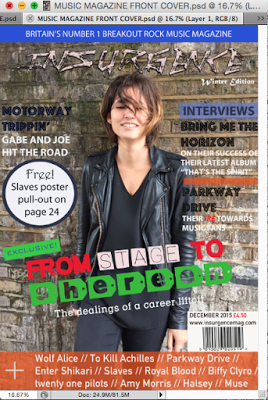
INITIAL PROTOTYPE OF MAGAZINE COVER
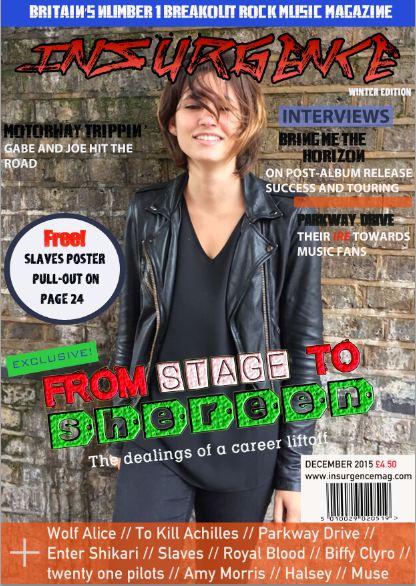
FINAL FRONT COVER
Single-lens reflex camera (SLR camera)
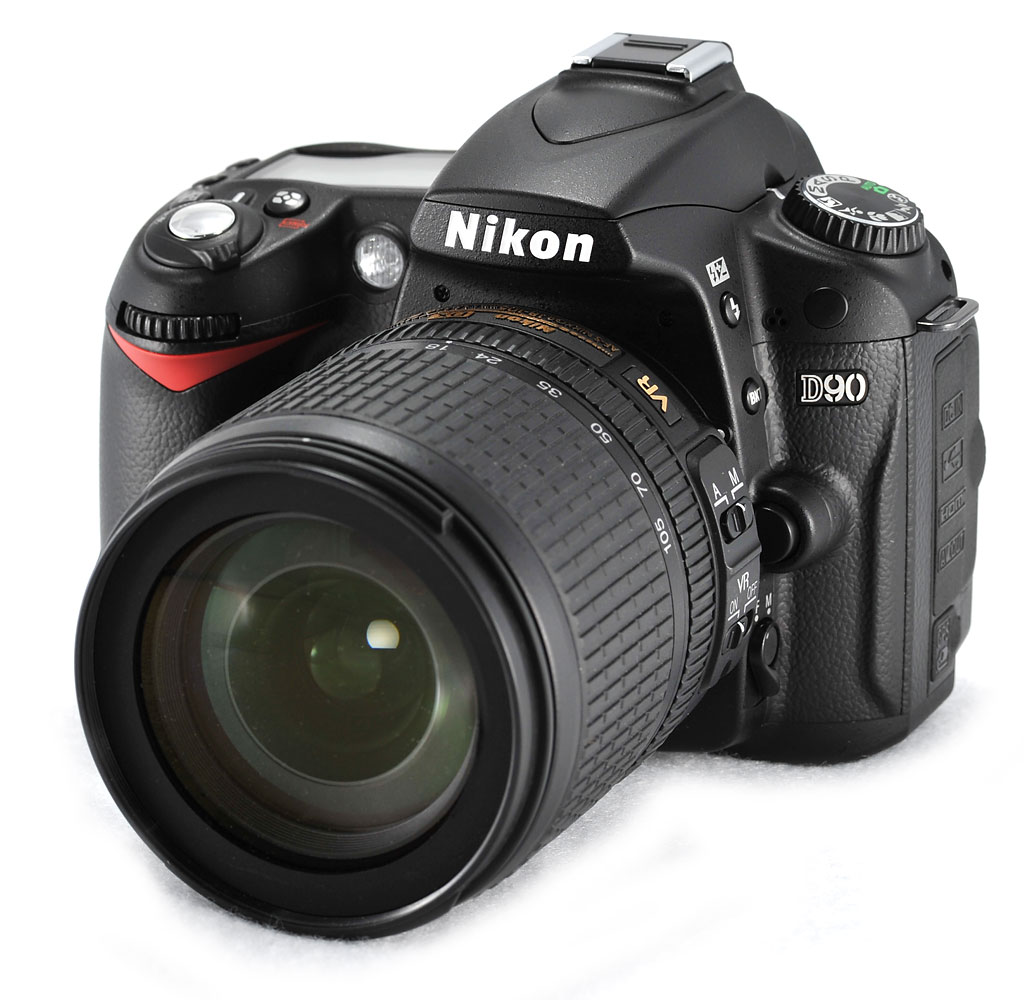
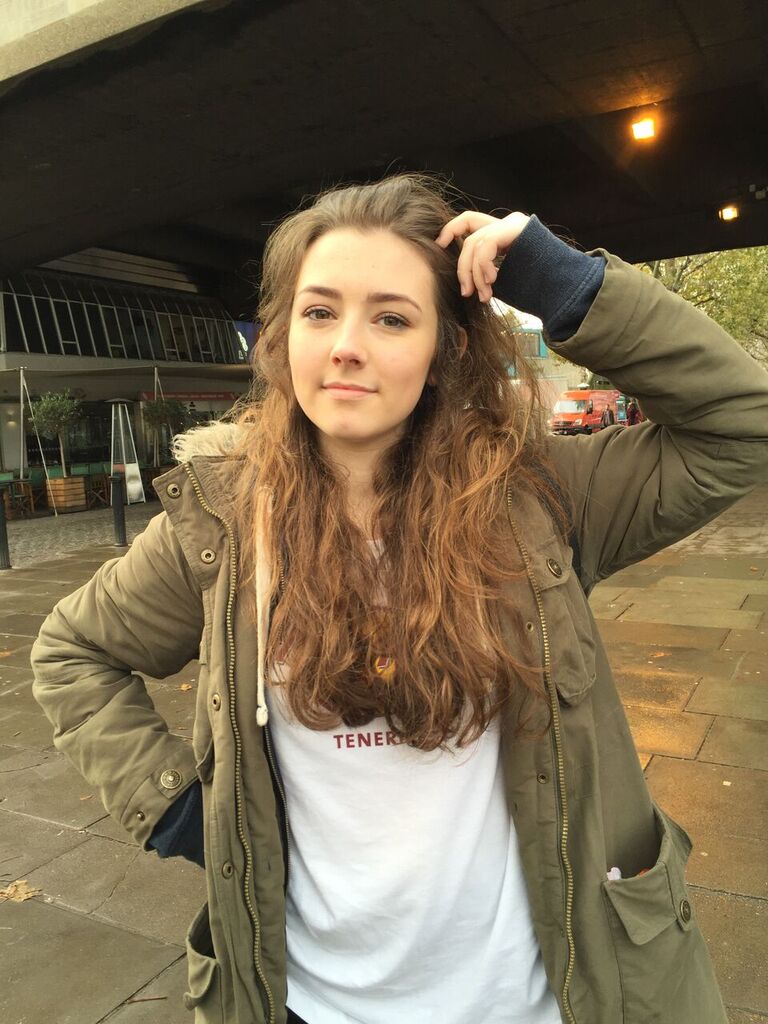
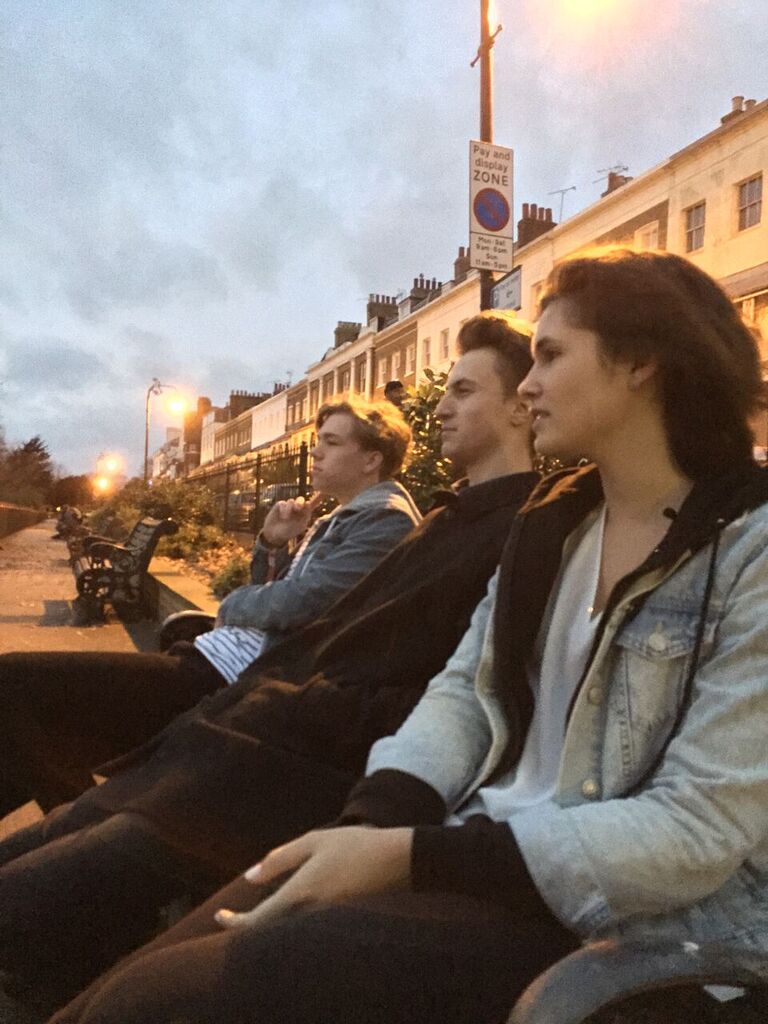
For ages, I have been familiar with using a normal SLR camera. Spectacular and breathtaking photos can be captured using the product. But with the medium of camera modes and settings in motion, I slowly grasped the feeling of getting used to taking photos effectively. Using SLR cameras help to ensure that high-quality photos can be taken anywhere, anytime. Now that I have become used to the settings on the camera dial, such as aperture priority and shutter priority, I am skilled and confident in using SLR cameras to capture brilliant pictures and use them in my publications. Ultimately, this concept is beaten by the constant usage of the iPhone 6, which contains an integrated 8 high-rate megapixel iSight camera. It allowed for better quality photos to be captured, enhanced in Photos and eventually used in my final publication of Insurgence Music Magazine.
Examples of photos taken on SLR and iPhone
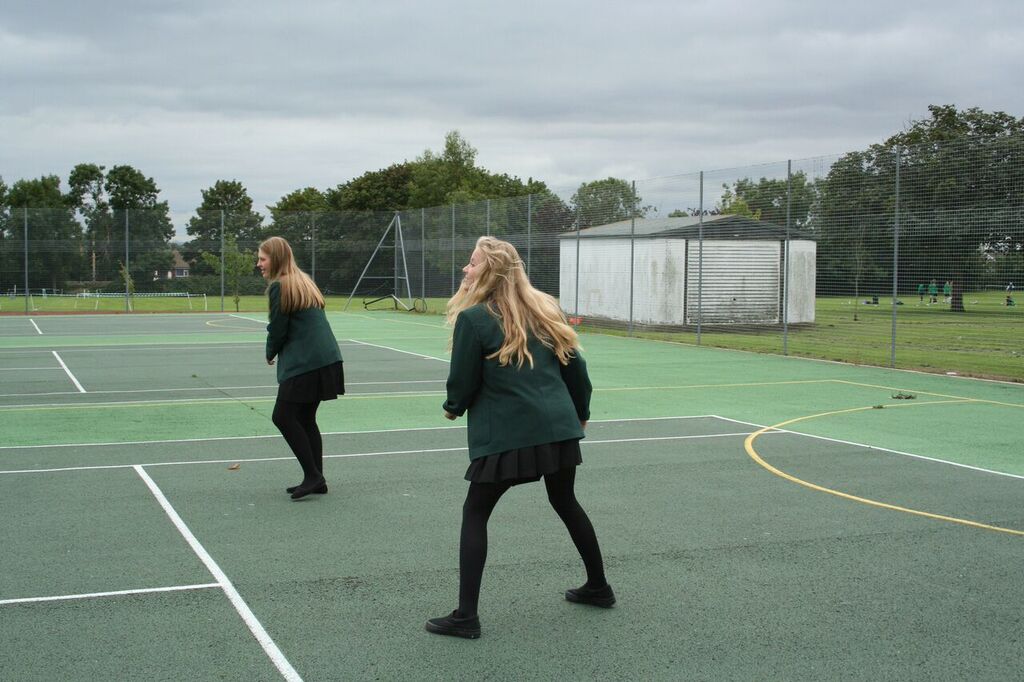
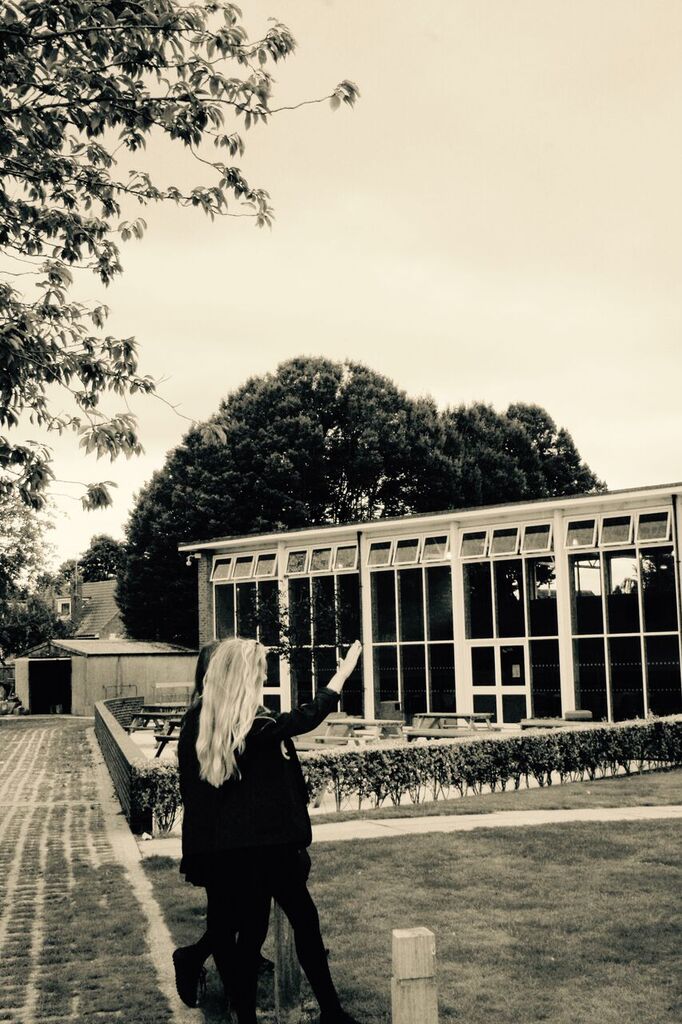
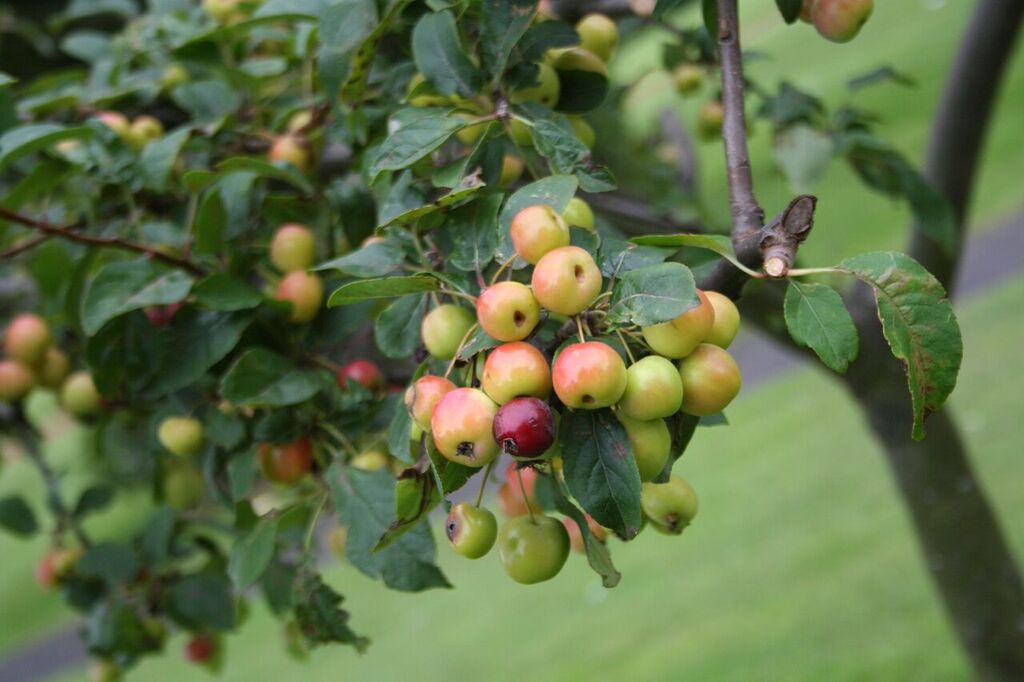

Photos
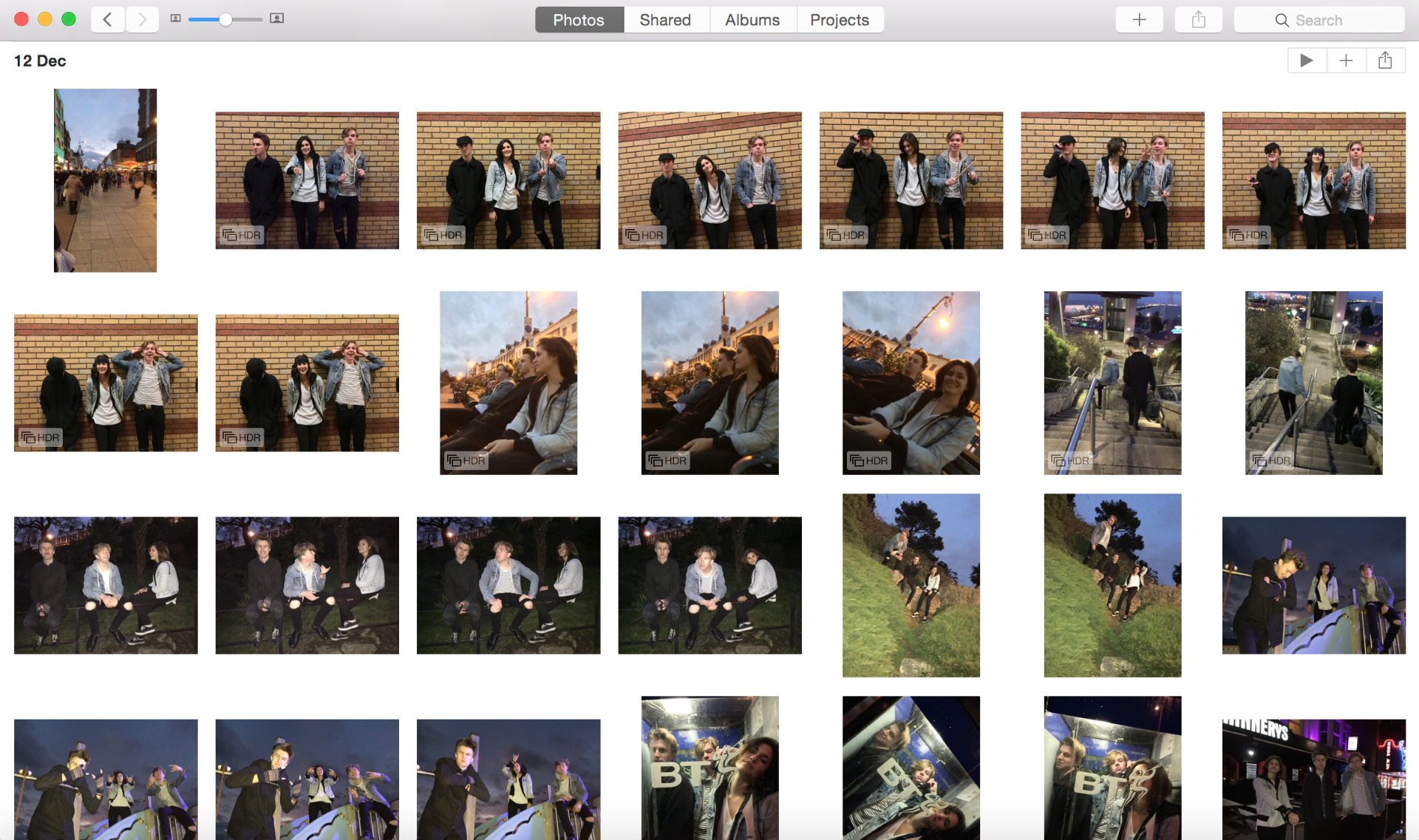
Photos (alternatively called iPhoto on older Mac platforms) carefully organises photos in terms of date. It is developed by Apple and is free and simple to use. Basically, the photos I have taken for use in the music magazine I uploaded to Photos (or rather, they were already there by default). I then used the basic editing software to enhance some of the best chosen photos to use in my magazine publication. Photos as an application would be used again if I want to make images more professional and high-quality.
Blogger
Blogger is a top-notch blog publishing service supported by Google, which allows multiple blogs to be created by the same user with public posts in chronological order. Originally created by Pyra Labs, Google later bought the service in 2003. Now that I have taken control of Blogger to my full extent, I can: - edit posts to polish quality - embed links to show prezi slideshows, YouTube videos, emaze and more - create link lists to inform of which blog to visit
I would use Blogger again as it is an excellent organisation system to present research and work that I can enjoy composing.
Adobe InDesign CS6
What was also the most beneficial next to using Adobe Photoshop was this software. It was similar to the latter, except for the guidelines that appeared once placing new features on the DPS in development. I then learned how to layer features in order and organise a three column layout for the DPS so that it can follow the codes and conventions of a professional music magazine. Different colours were coded for different layers in order to distinguish them from each other so as to not cause any confusion when composing the DPS. Finally, I learned how to manipulate the three column layout so the text can organise itself when moving photos and other coloured boxes into where they belong. That way, an effective and flawless DPS copy can be produced without any fail.

Prezi
Prezi is an alternative presentation software to Microsoft PowerPoint and has the capability of invoking a story through user-created presentations. Zoomable, concise presentation media, I have used Prezi occasionally as it is a simple presentation software to use; its portfolio of office layouts captures the audience's expectations, and how you navigate through slideshows chronologically adds character and inspiration into the user-created work. Prezi is a smart-going presentation software to use in the future.

SlideShare is a simple, royalty-free presentation software. Unlike Prezi, emaze and others, you can only upload PowerPoint presentations into SlideShare and share it publicly. SlideShare presentations can be embedded into the blog for user viewing. As it was my first time using SlideShare (when I have never used it before, especially in secondary school), I have found it uncompromising and useful in presenting music magazine research. Since then, during the course of the year, SlideShare is now one of my most often used presentation softwares as seen on my blog.

emaze is also a very good alternative to PowerPoint if the latter is not installed on your computer. Apart from a vibrant range of layouts to choose from, emaze offers the opportunity to create online presentations freely. As its name suggests, you can "emaze everyone". I first discovered this software while searching for an alternative to SlideShare as I rejected repetition in my blog. Now, I can handle emaze excellently and create flowing presentations with motion.

Haiku Deck, another newly discovered presentation software, is fairly effective for storytelling - in fact, creating a "haiku" - in a user-created presentation which utilises a different range of layouts of slides and recommended background images just by searching up in the integrated picture search bar. I have an effective grasp in this program and hope to use it again since it proves very flexible in the development of presentational "haikus". This, in turn, can atttract audiences to explore my stories upon publication.